
How Recallify works
What Recallify helps with
Capture what matters, plan your day and follow through. Memory, tasks and learning, in one place.
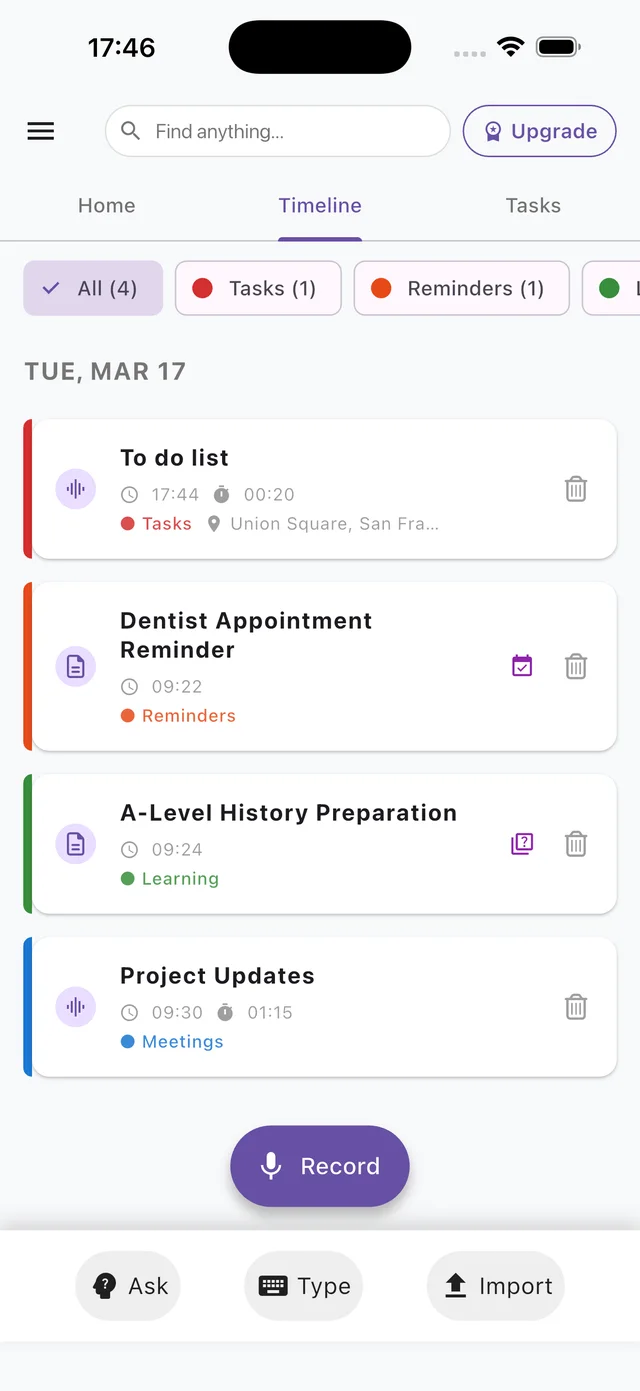
Recallify is cognitive support built by clinical neuropsychologists. Record, type or upload information, and Recallify summarises it and finds the tasks in it. Plan your day on Home, see appointments alongside your tasks and keep track of what needs doing. Your notes, reminders and learning material stay together, so there's less to hold in mind.
It works on iPhone, Android and in your browser, on one account.
Who Recallify helps
Recallify is for anyone who needs help to remember, plan and follow through, whether you're rebuilding life after a brain injury, living with ADHD or long Covid, or studying.
| If you're living with… | Recallify helps you… |
|---|---|
| Brain injury or stroke | Capture conversations and notes, get summaries, and turn key points into reminders. Many people use it during neurorehabilitation to rebuild routines. |
| Mild cognitive impairment (MCI) | Offload information, refresh your memory with quick summaries, and get gentle prompts so details aren't forgotten. |
| Brain fog, fatigue or long Covid | Spend less energy re-reading and re-listening. In our long Covid pilot, participants called it a “second brain” that reduces the load of remembering. |
| ADHD or executive function difficulties | Catch tasks before they slip away, get priorities and reminders set for you, and break big jobs into smaller steps. |
| Study, including SEN | Turn lectures, slides and notes into clear summaries and quizzes, broken into manageable chunks. |
For teachers and support staff: help learners structure their notes, generate quizzes and set task reminders that improve follow-through.
Start by capturing what matters
Choose the easiest way to save the information you want to remember or act on.
-
Record
Record a lecture, meeting, conversation or spoken thought.
-
Type
Type a quick note, instruction or to-do list.
-
Import
Add documents, slides, audio, video or photos you already have.
Recallify summarises what you capture and suggests tasks, reminders or learning material you can use next.
At a glance
Tasks and daily planning
Turn what you capture into actions you can follow through. Plan on Home, manage your task list and see appointments alongside the things you need to do.
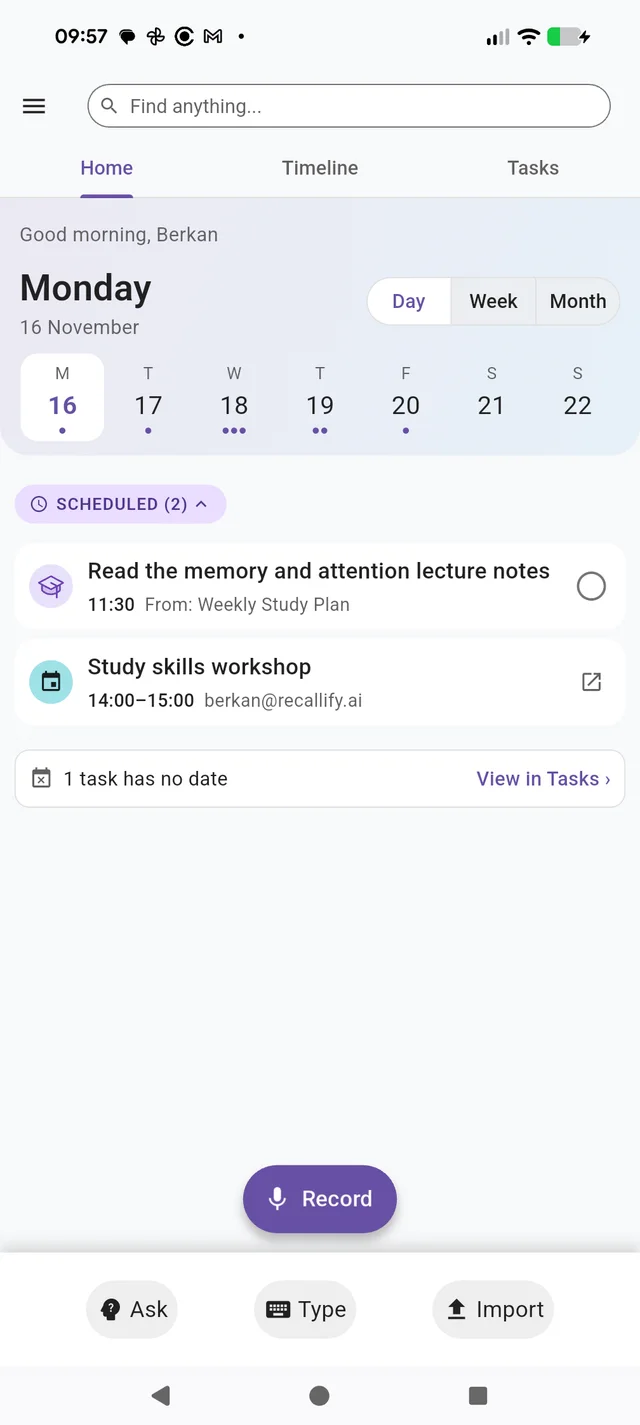
Your day, in one place
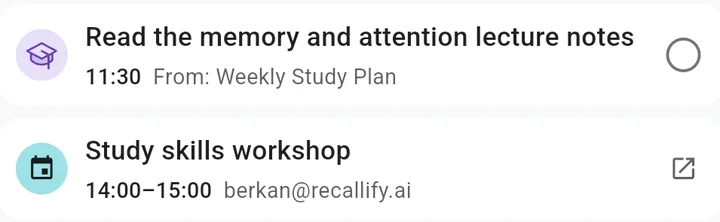
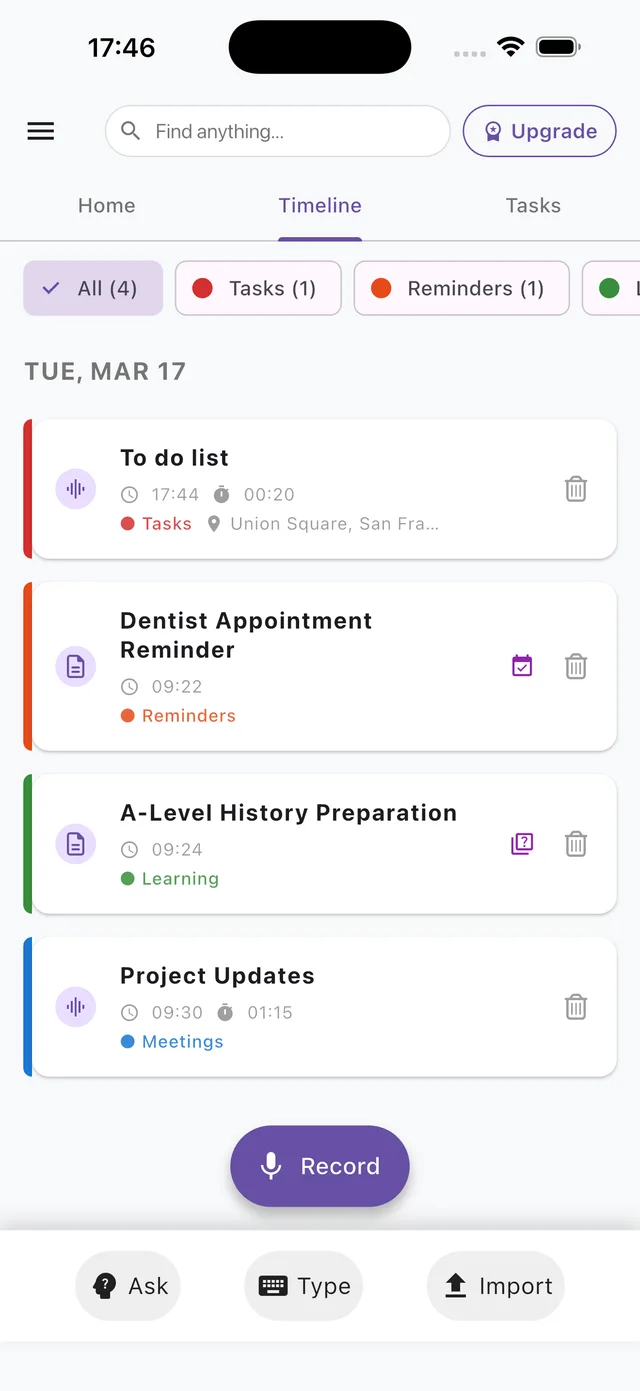
See tasks and appointments together on Home. Switch between Day, Week and Month to see what is coming up, open a task to make changes and tick it off when it is done. Links from Home take you straight to overdue tasks or tasks without a date.
A simpler task list
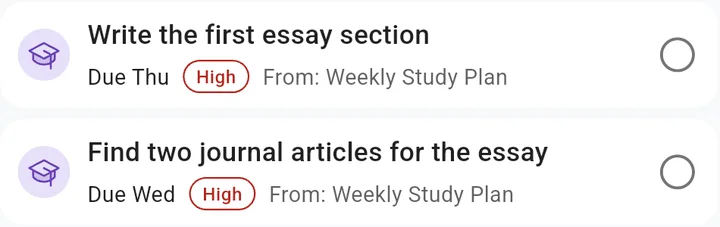
Keep track of what needs doing in one clear list. Use Open, No date, Overdue, Older and Done to find the tasks you need. Each card shows its source note and any due date or high priority. Open it to change the details, or tick it off when finished.
From a note to your next steps
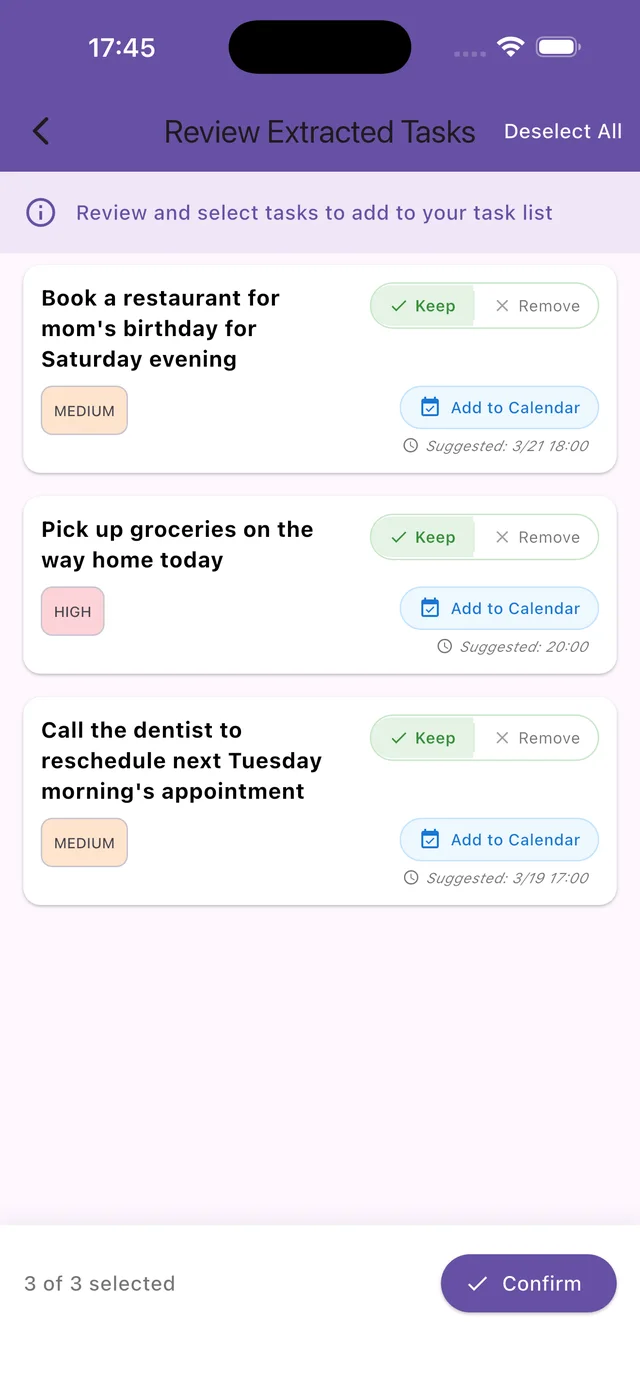
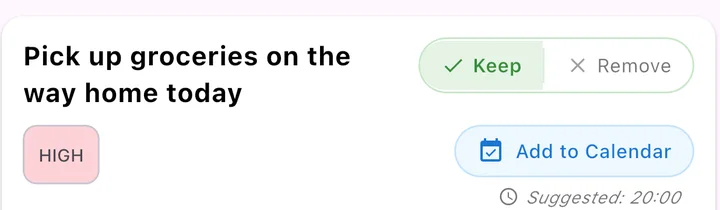
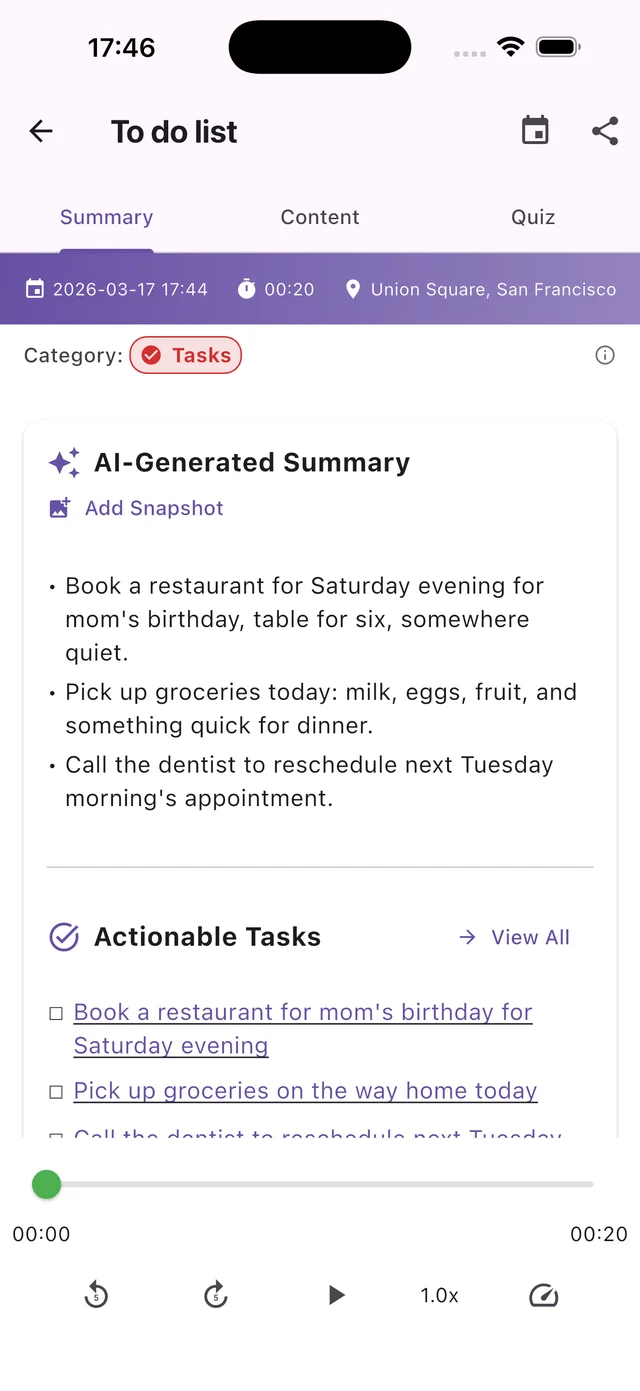
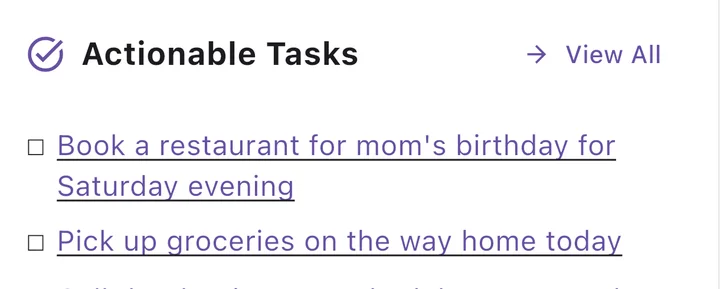
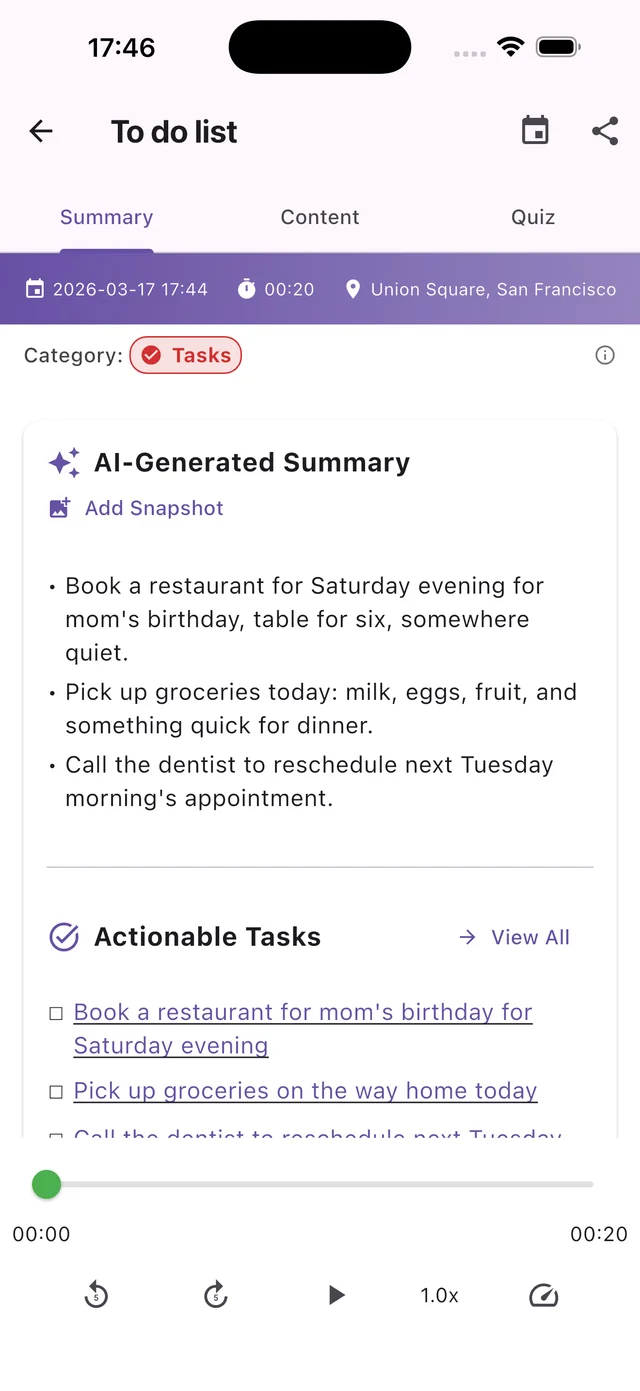
Record, type or import information and Recallify finds the actions in it. Review the suggested tasks, keep the ones you want and adjust priorities. Dates mentioned in your note can become suggested times for a calendar reminder.
Plan around your appointments
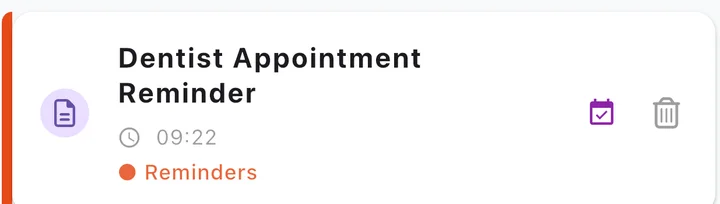
See calendar events alongside your tasks when you choose to connect them. On a phone, allow access to show events from the device's calendars; in your browser, connect Google Calendar to view your events. You can also add a task or memory reminder to your phone's calendar. You choose what to add.
At a glance
Remember more
Summaries
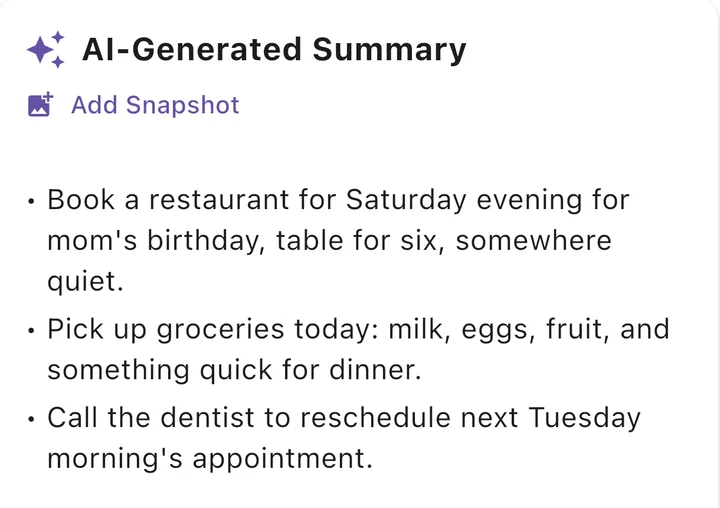
Every recording and file gets an automatic summary of the key points, in order. No need to re-listen or re-read.
Search
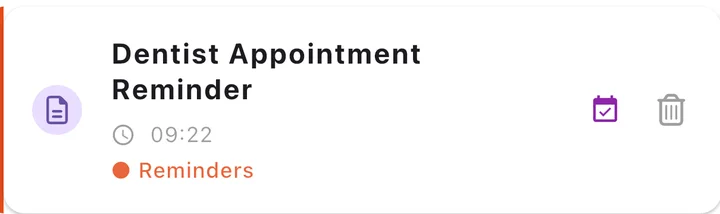
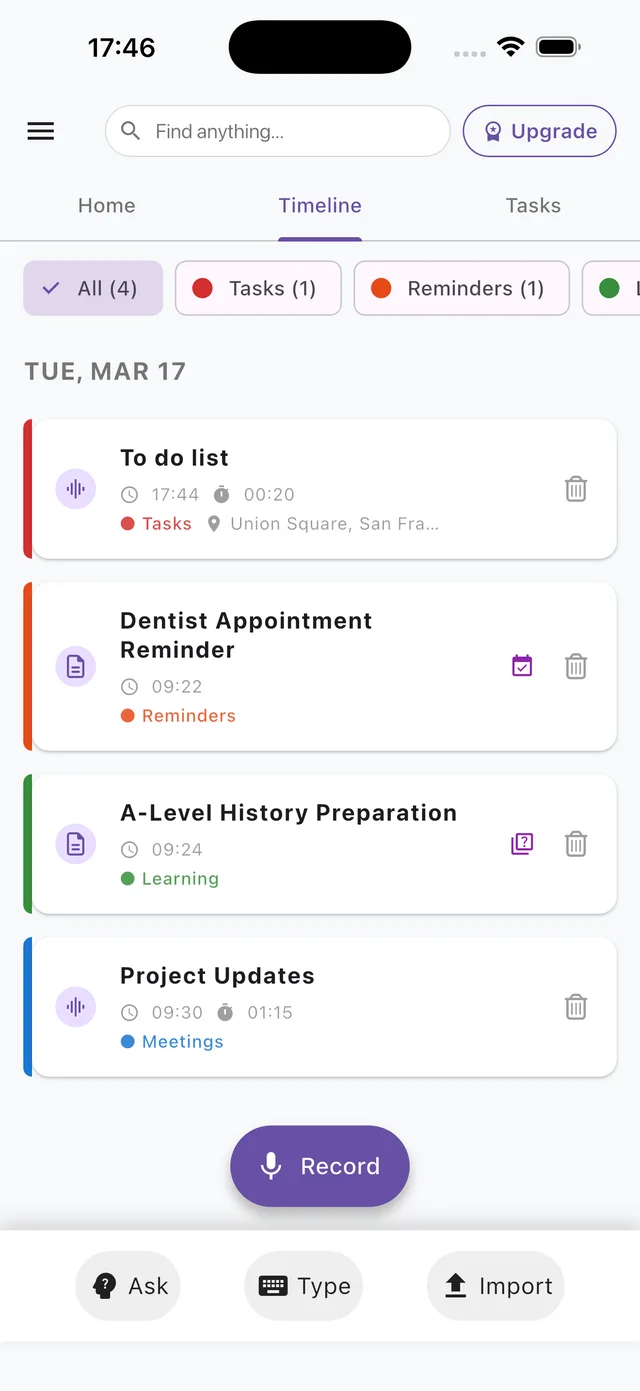
Find anything you've captured. Every memory sits on one timeline.
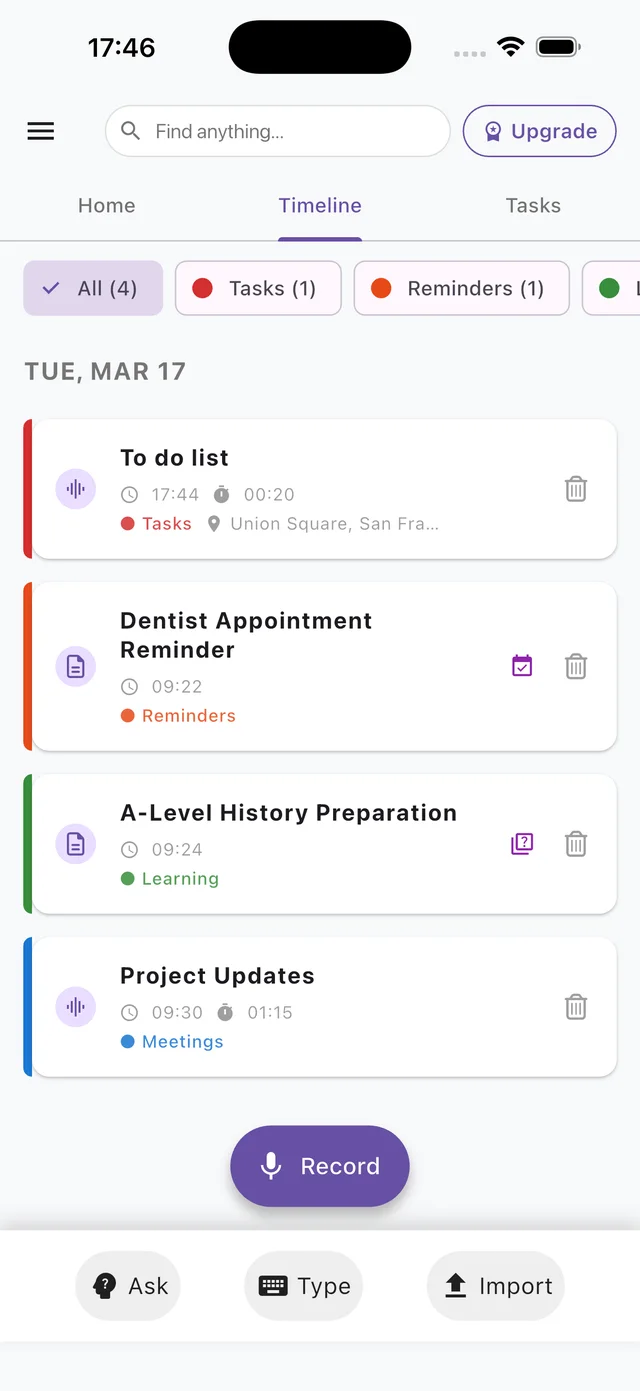

Ask
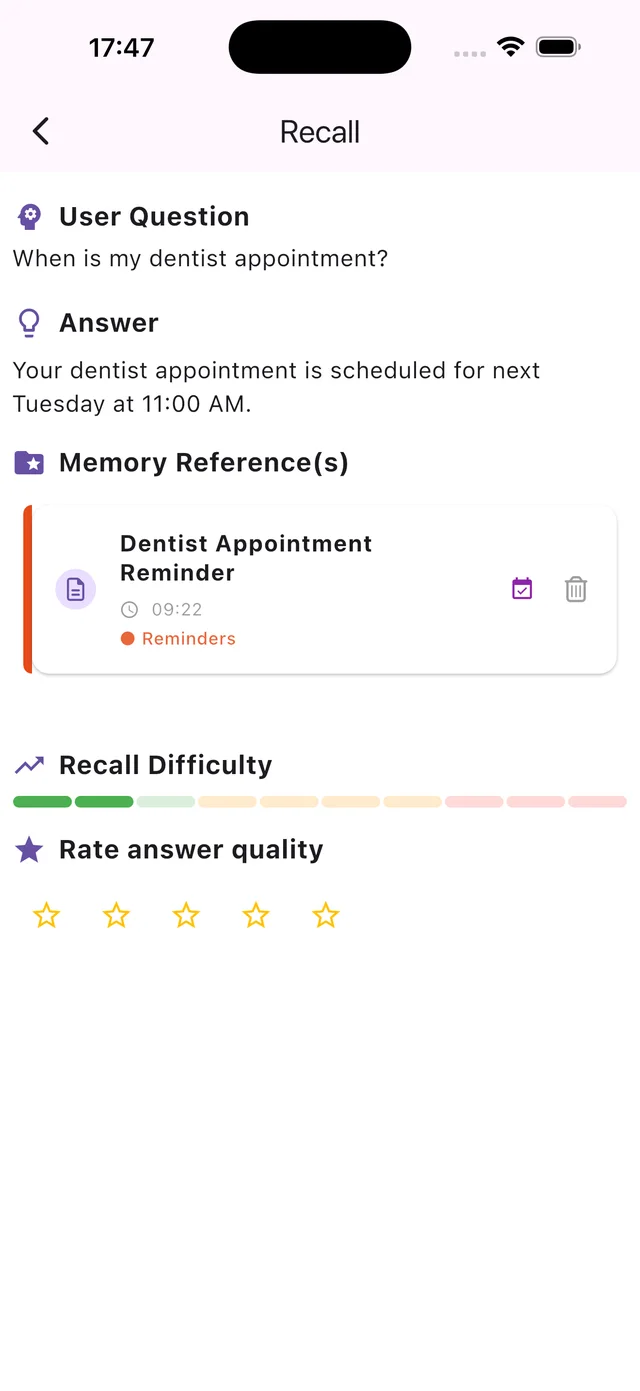
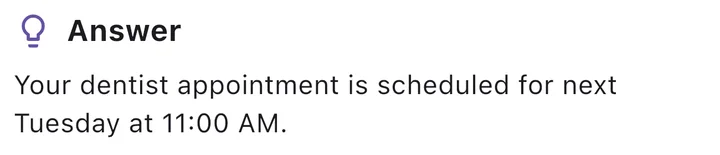
Ask a question in your own words and get the answer from your own notes, with the original memory shown.
At a glance
Learn and revise
Lectures and notes
Record a lecture or lesson, or add PDFs, slides or class notes. Recallify pulls out the key ideas and the details that matter.
Quizzes
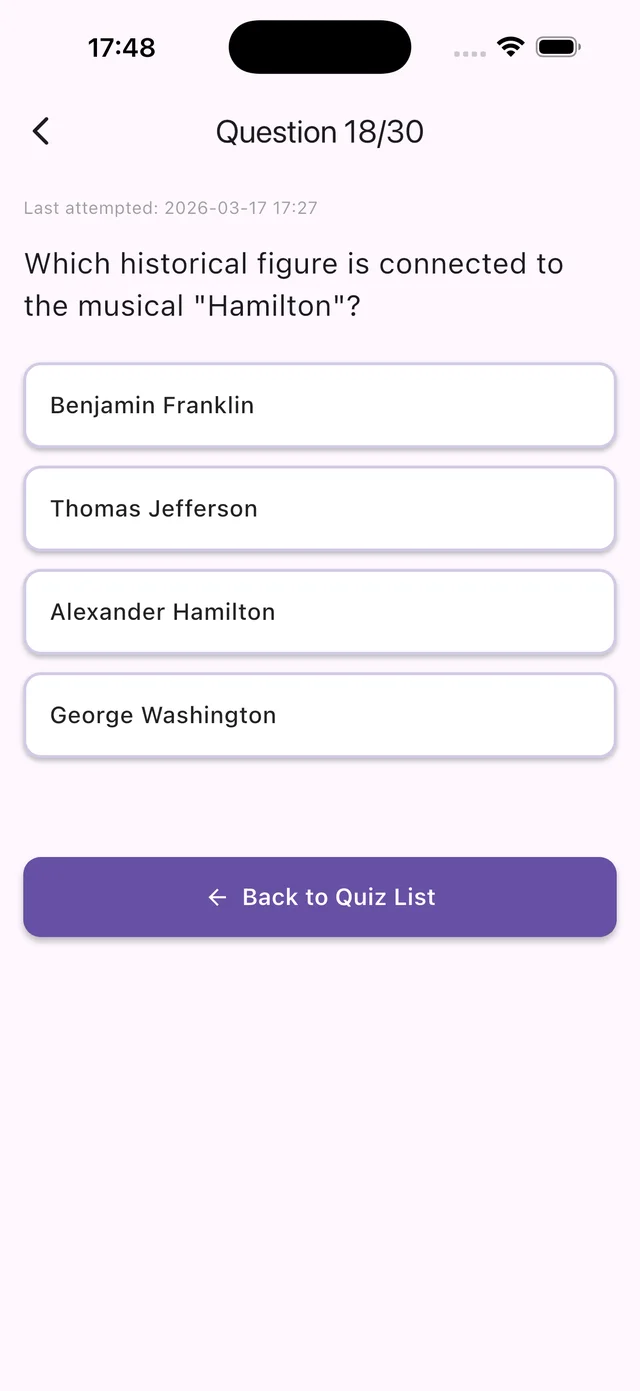
Multiple-choice quizzes built from your own material, using active recall and spaced repetition. Check your answers against the original notes and revisit what you need to practise.
Try Recallify
Start with a 7-day free trial on the Personal plan, then £59.99 a year or £7.49 a month. The same account works on iPhone, Android and in the browser.